IPs that keep failing to log in get blocked at the firewall
LogonShield watches your Windows server's failed-login records, finds IPs guessing passwords, and blocks them with Windows Firewall rules. Blocks lift on their own when the time runs out.
- 09:14:02RDP4625203.0.113.451/5
- 09:14:03RDP4625203.0.113.452/5
- 09:14:03MS-SQL18456198.51.100.231/5
- 09:14:04RDP4625203.0.113.453/5
- 09:14:05RDP4625192.168.0.12 (whitelisted)–
- 09:14:05RDP4625203.0.113.454/5
- 09:14:06RDP4625203.0.113.455/5
-
09:14:08 203.0.113.45 blocked for 24 hours
Added to firewall rule “LogonShield Local #1”
How it works
It runs in the background as a Windows service, so the server stays protected even when nobody is signed in.
-
Reads the records
Picks up failed logins in real time from Windows event logs and from IIS, mail server, MySQL and SIP log files.
-
Counts attempts
Counts failures per IP and service within a time window. Whitelisted IPs are never counted.
-
Blocks at the firewall
Adds the IP to an inbound Windows Firewall block rule. Every port is closed to it, whatever port your services use.
-
Lifts the block
Removes the IP when the block expires. You can also block permanently, or unblock by hand at any time.
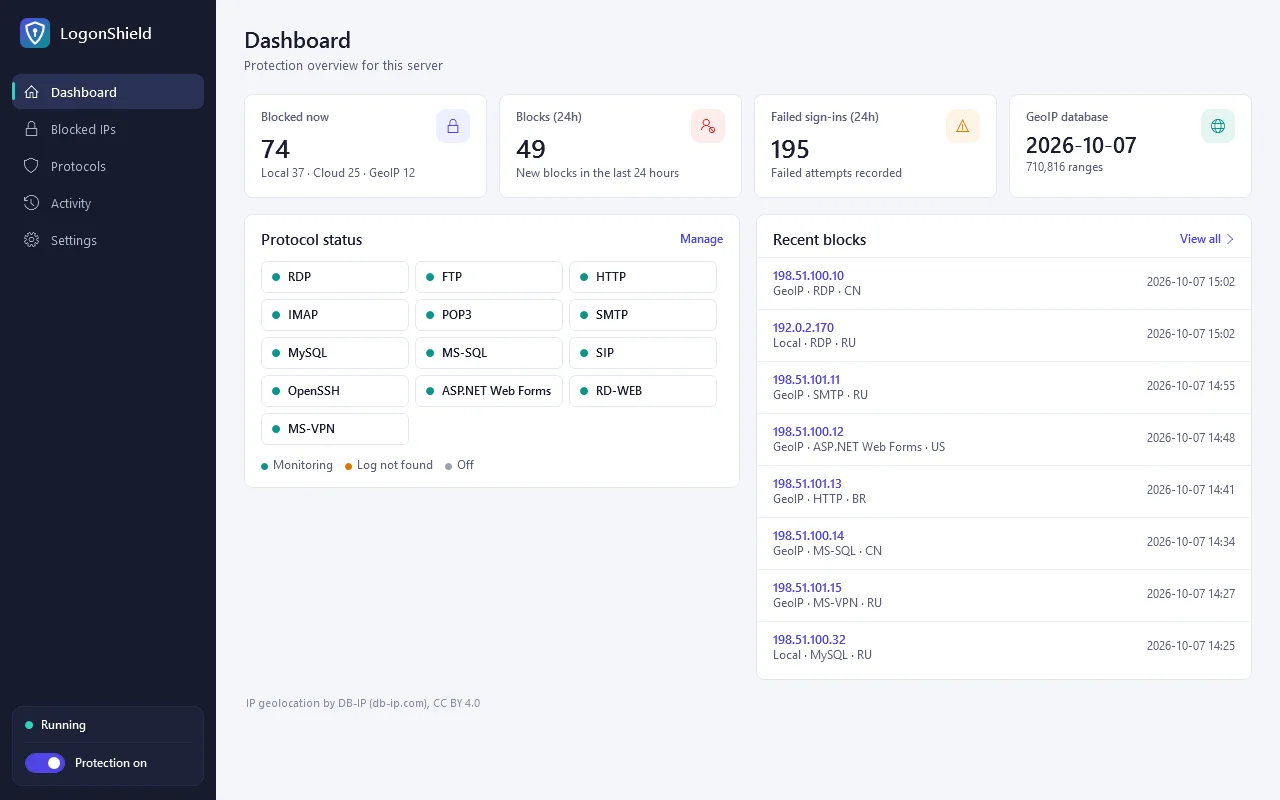
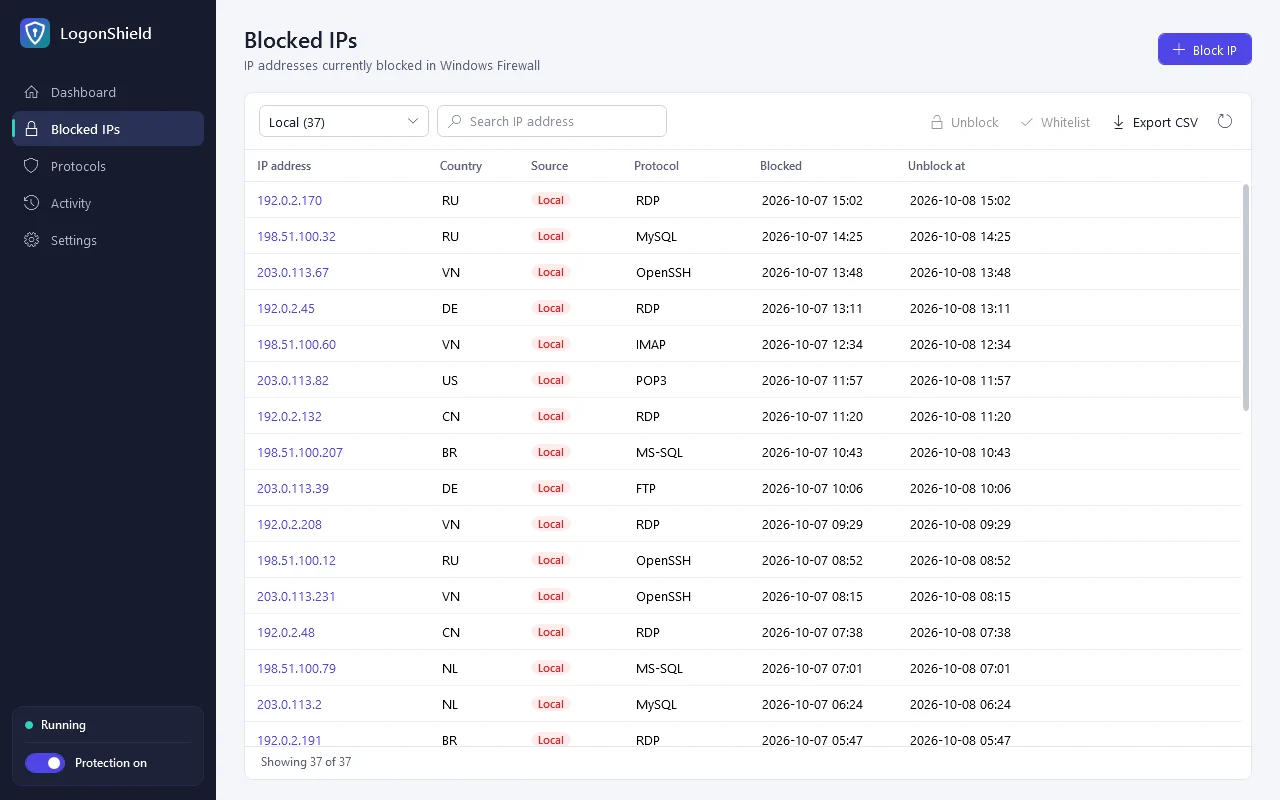
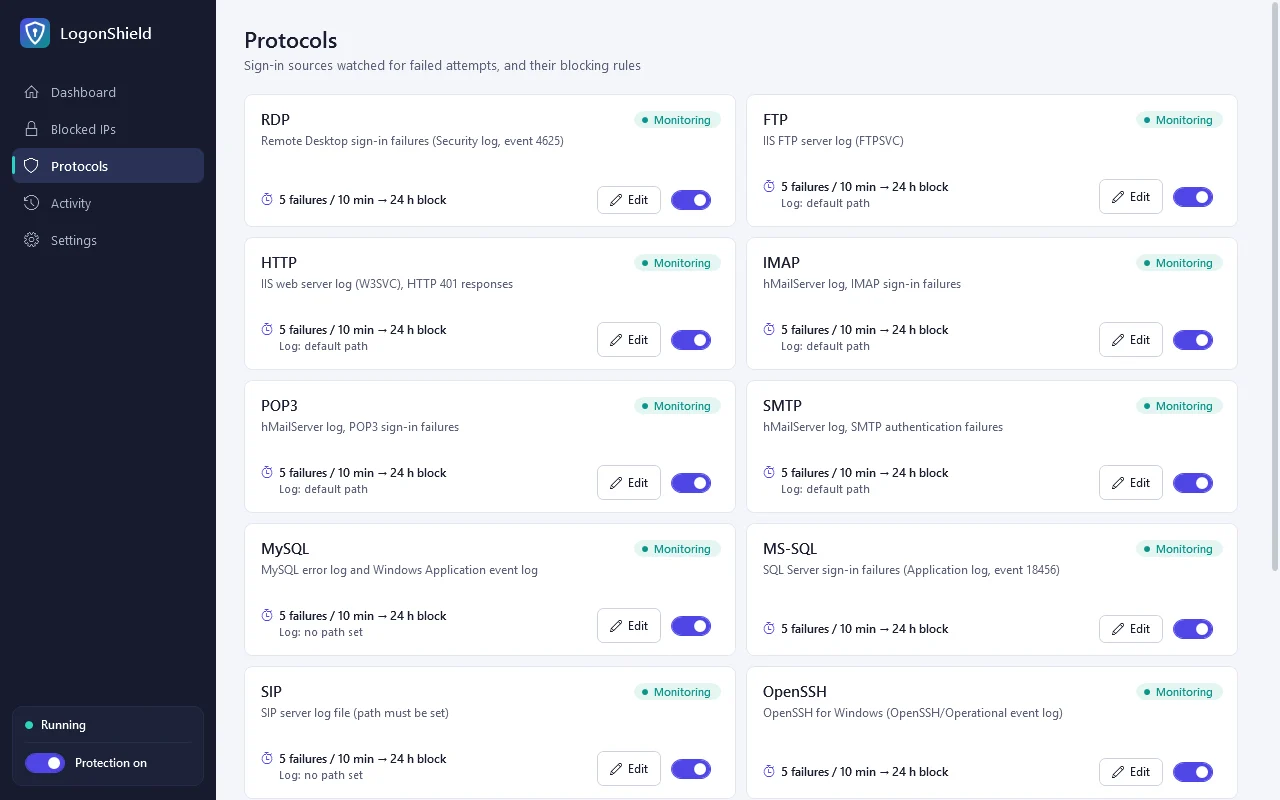
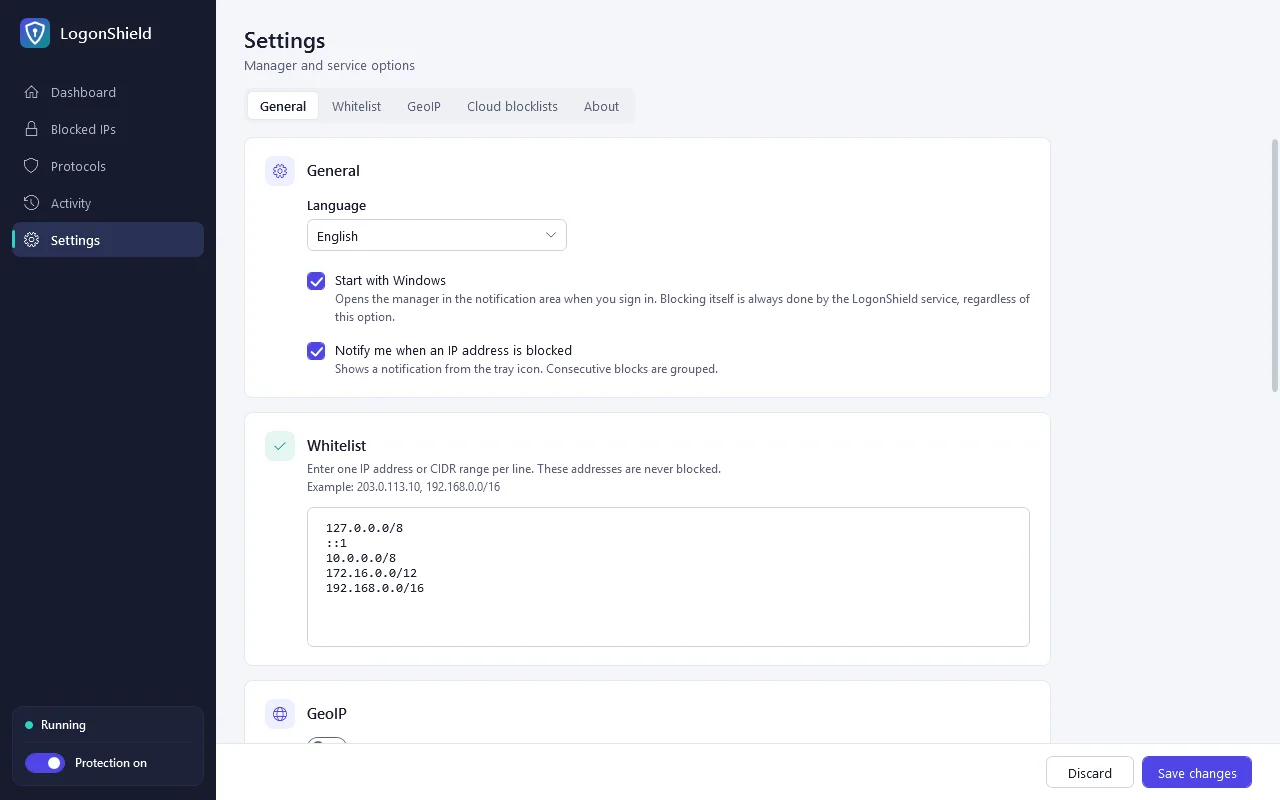
A look inside
The manager you get on your server, shown with sample data.
Services it protects
13 services are supported. Anything not installed on the server shows as “no log”, and the rest keep working.
| Service | Source | Counted as a failure |
|---|---|---|
| RDP | Security event log | 4625 |
| MS-SQL | Application event log | 18456 |
| MySQL / MariaDB | Event log, error log file | Access denied for user |
| OpenSSH | OpenSSH/Operational | Failed password, Invalid user |
| FTP | IIS FTP log | PASS → 530 |
| HTTP | IIS web log | 401.1 |
| RD Web Access | IIS web log | Rejected sign-in page |
| ASP.NET Web Forms | Application event log | 1315 |
| IMAP, POP3, SMTP | hMailServer log | Authentication failure replies |
| SIP | Asterisk log (chan_sip, PJSIP) | Failed registration |
| MS-VPN | System event log (RRAS) | 20271 |
Features
Protection starts with sensible defaults the moment it is installed. Change only what you need.
Per-service rules
Set the attempt limit, time window and block length for each service. A block length of 0 means permanent.
Country rules
An IP from outside your allowed countries is blocked on its first failure. The country database updates itself monthly.
Blocklist subscriptions
Add the URL of a public attacker list and it is fetched every 6 hours and blocked in advance.
Whitelist
Accepts IPs and CIDR ranges, with private networks and localhost included by default. Adding an IP also lifts any block on it.
Manager and tray icon
Dashboard, blocked-IP search with CSV export, per-IP history, manual block and unblock. The tray icon color shows protection status, and new blocks pop up a notice.
Korean, English, Japanese, Chinese
Follows the Windows display language at first, and can be changed in Settings.
Protection starts the moment it's installed
One license per server: ₩12,000 a year or ₩59,000 for life.